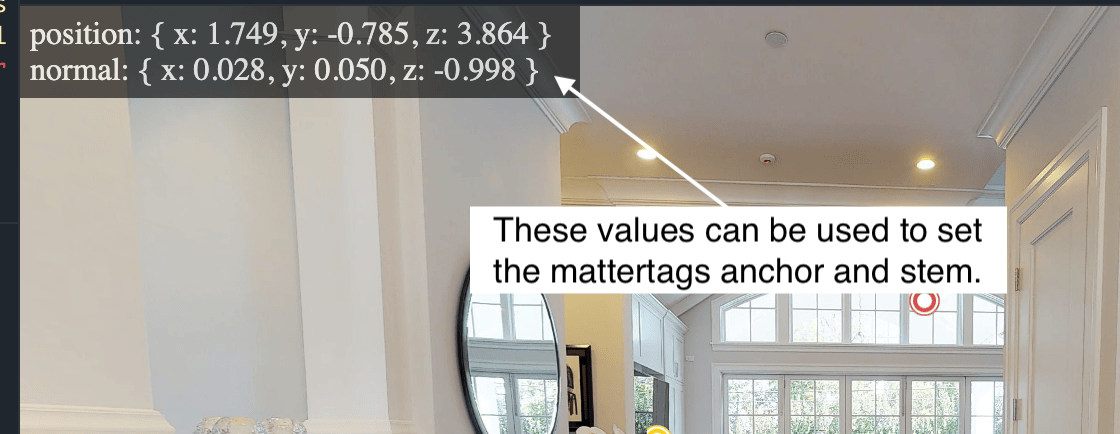
Intersection Inspector
You can use this tool to inspect the surfaces of a model. It is a jsfiddle application located here, http://jsfiddle.net/guillermo_matterport/pftnhkuc
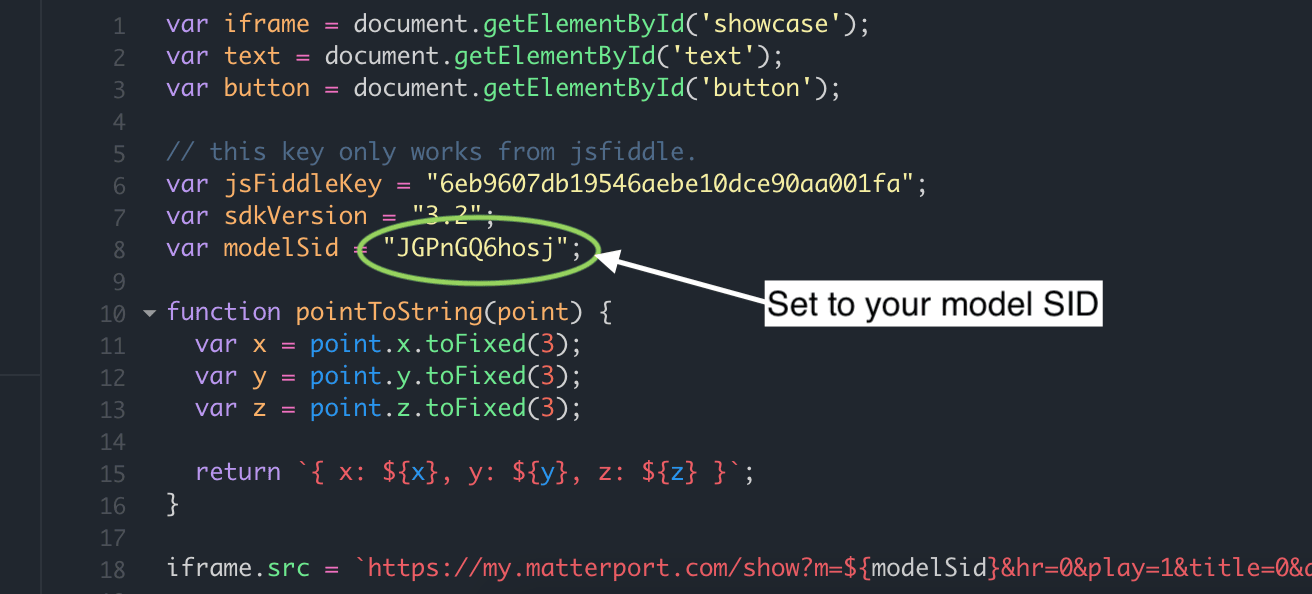
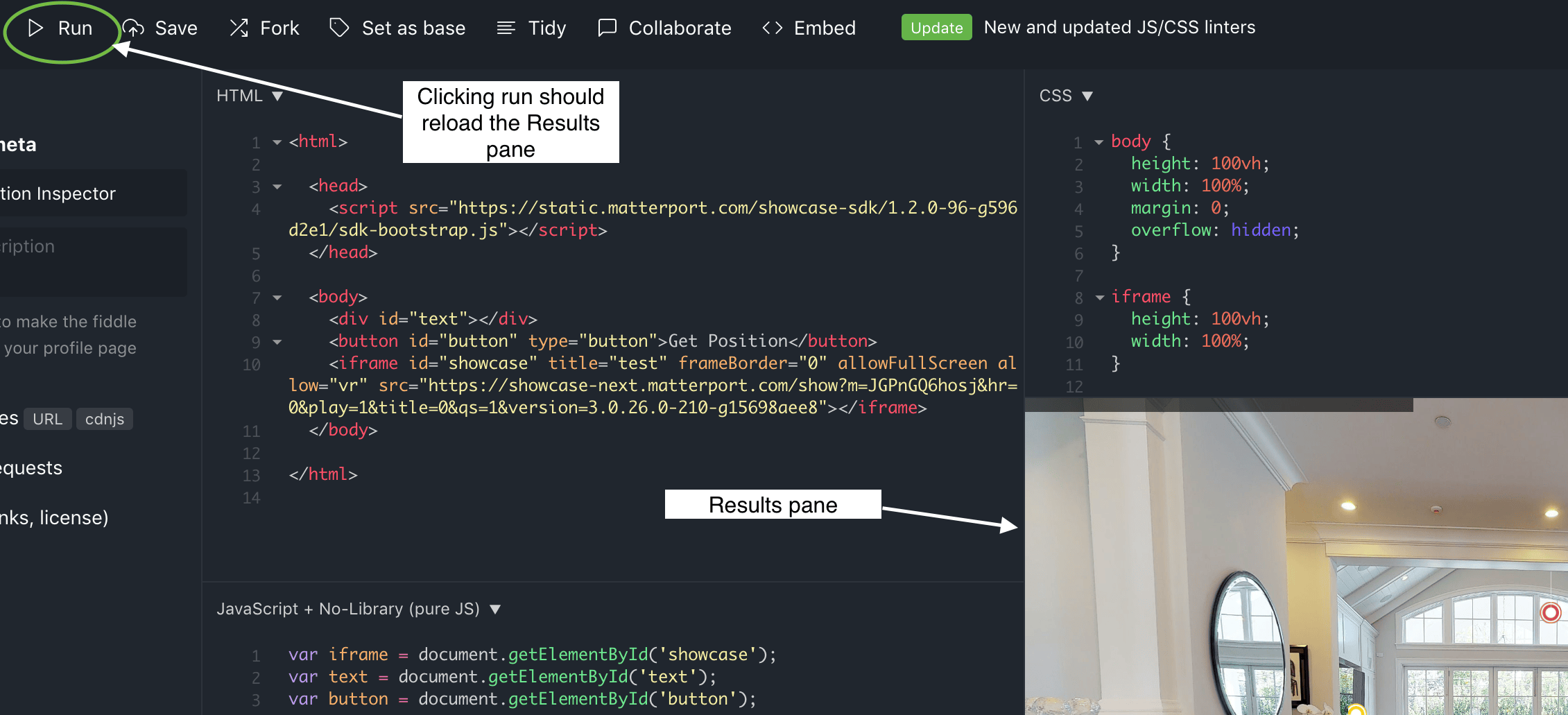
Setting up a model in the intersection inspector
- Go to this jsfiddle editor link Editor You can also select
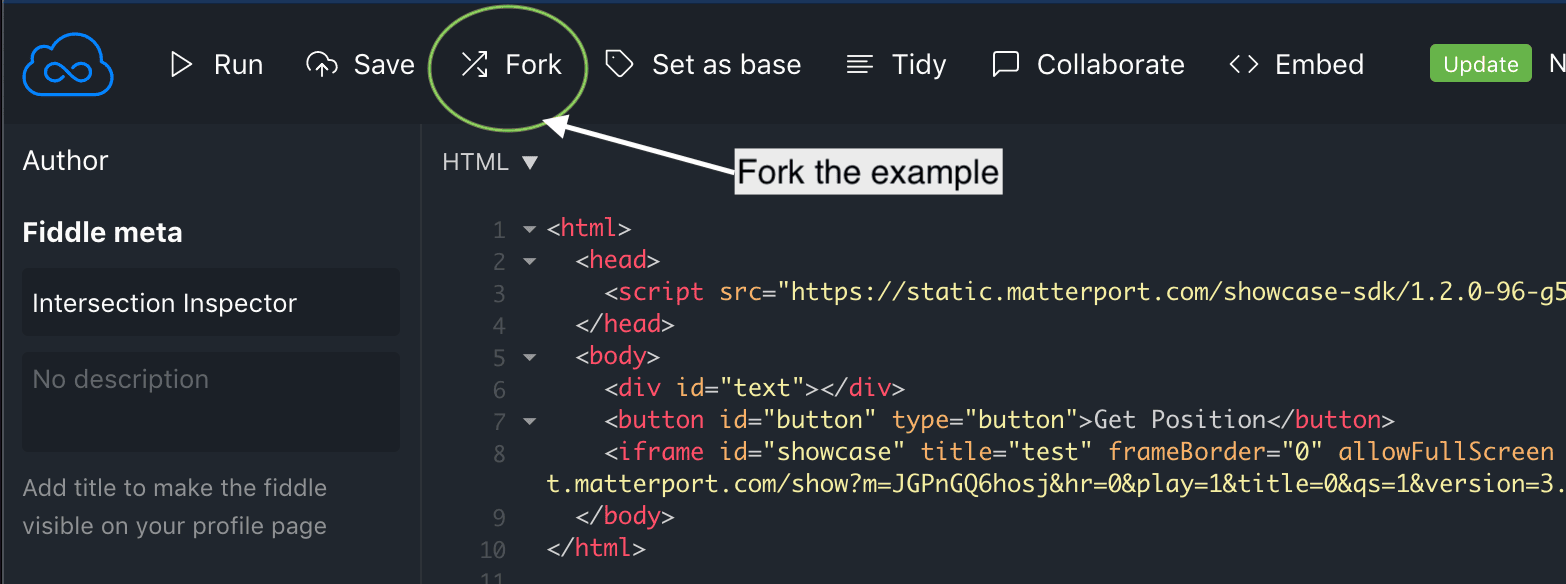
Edit in JSFiddleat the bottom of this page. - Select
Forkto create your own copy of the application.
Using the intersection inspector
- Load the application after you have setup your model.
- Navigate to the location on the model that you would like to inspect.
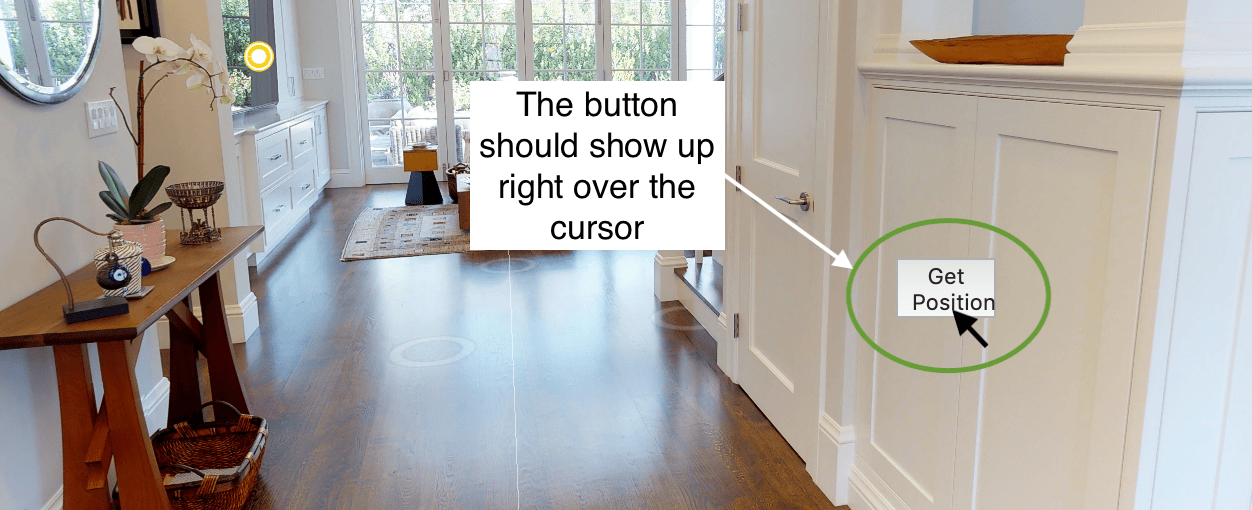
- Place the mouse over the area of interest and stop moving it. You should see a button pop up right over the mouse. If you move the mouse outside the area of the button, it will disappear.