OAuth Model Selector
OAuth is currently offered by invitation only for our Commercial Partners.
Introduction
In this section, we'll cover the OAuth Model Selector which can be used with applications that use OAuth to display private models with the Showcase Bundle SDK. OAuth is not currently supported by the Showcase Embed SDK or the WebComponent.
At this time, OAuth authentications provide third-party applications with access to all models within an account. We may introduce per-model access via the Model Selector in the future.
Matterport Model Selector Usage
Matterport provides a self-contained model selector that can be used with an OAuth access_token.
Applications can launch this in an iframe or WebView using the following URL:
https://authn.matterport.com/model-select?oauthToken=<access token>
| Parameter | Value |
|---|---|
oauthToken | The access_token received from the authentication server |
multiselect | true or false to allow the end user to select multiple models. Models are returned with a comma-delimited list of model ids |
approveAll | true or false value that allows the user to denote all models to be selected. Returned models value of * |
| Single Selection | Multi-Select | Approve All |
|---|---|---|
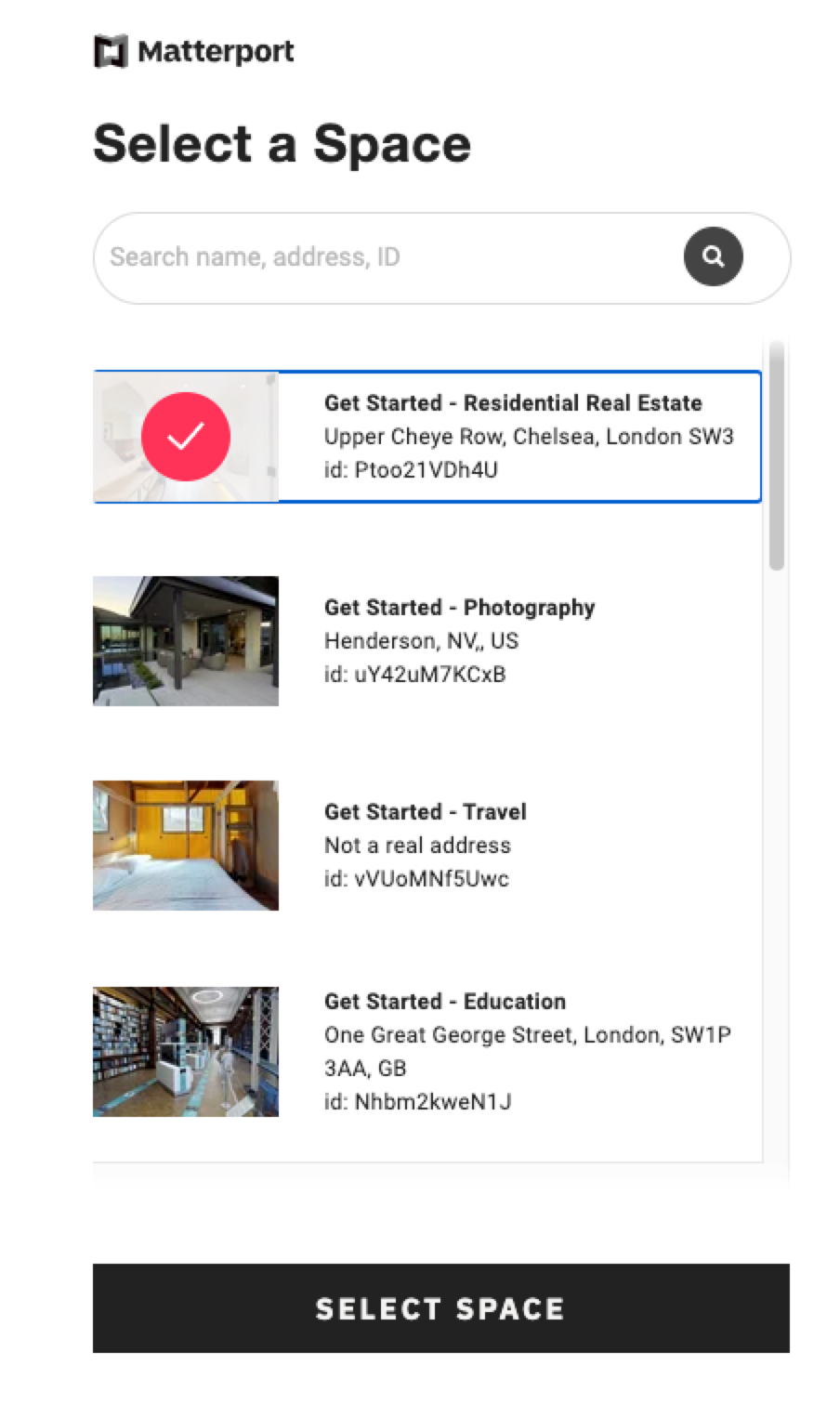 | 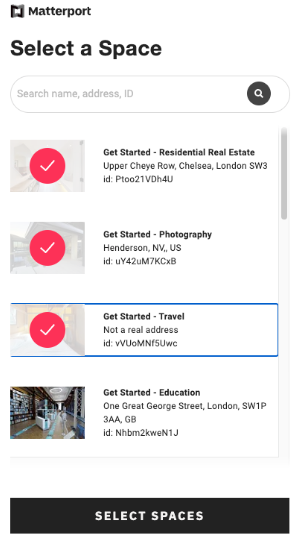 | 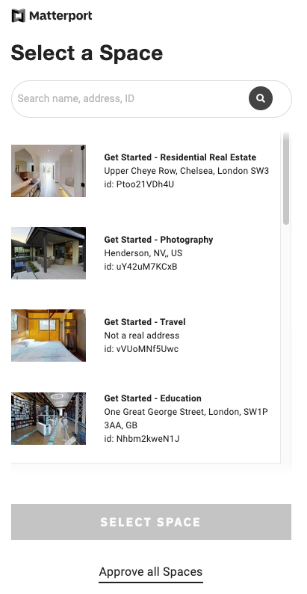 |
Sample Responses
The model selector will trigger two events of importance using window.parent.postMessage:
Successful response:
{
     component: "@mp/model-select"
     models: "selected-model-1,selected-model-2"
}
Unauthorized Event:
In the event that the access token passed to the model selector is expired or has been revoked, applications will get this event back. This should signal the application to send the user back through the OAuth authorization flow. The payload has the following structure:
{
     component: "@mp/model-select"
     unauthorized: true
}