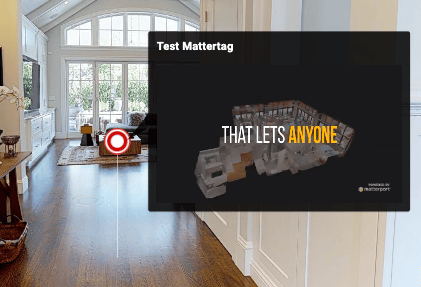
Mattertags
The Mattertag namespace has been deprecated. Please use the Tags namespace instead. For migration guidance, see Migrating from Mattertags.
Creating Mattertags
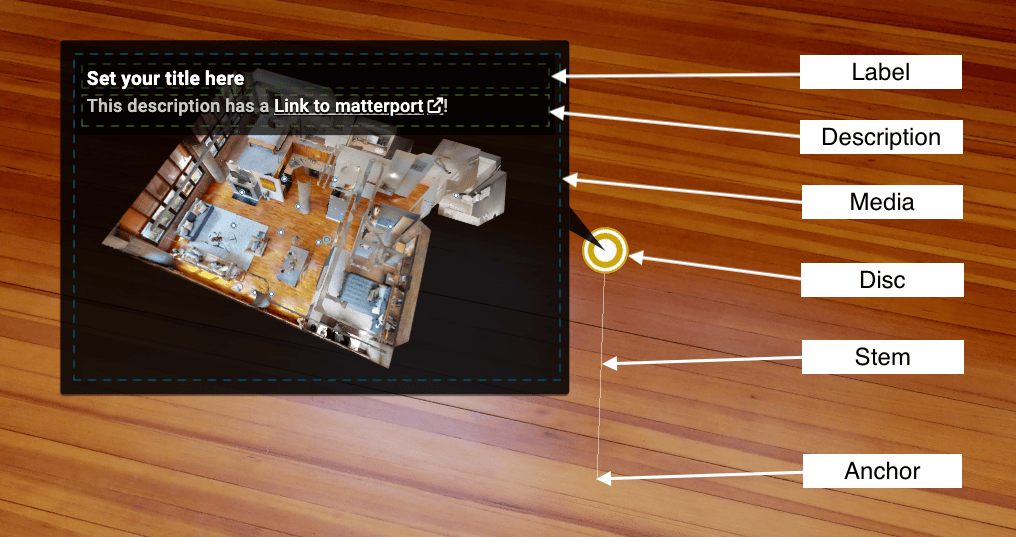
The Mattertag.add function takes a single or an array of MattertagDescriptor objects. The following properties are supported by MattertagDescriptor:
| Property | Required | Description |
|---|---|---|
| anchorPosition | yes | The mattertag anchor, It is typically attached to a surface on the matterport model. |
| stemVector | yes | The mattertag stem. It's length determines how far it will be offset from the anchor position. |
| color | no | The color of the disc. |
| description | no | The mattertag description. Links can be included in the description. |
| label | no | The mattertag label. |
| mediaType | no | The mediaSrc type. This can be photo, video, or rich media. This property must be set to display the media source. |
| mediaSrc | no | A url to the media. The urls must be supported by embed.ly |
| floorId | no | The floor identifier associated witht the mattertag. |
Mattertag Properties
To find an anchor position, stemVector and floorId for your model, you can use the Intersection Inspector Tool
Adding a mattertag with a label and no stem
var mattertagDesc = {
  label: 'Hello Mattertag',
  anchorPosition: { x: 1.39, y: 2.00, z: -0.122 },
  stemVector: { x: 0, y: 0, z: 0 }
};

sdk.Mattertag.add(mattertagDesc).then(function(mattertagId) {
  console.log(mattertagId);
  // output: TODO
});
Adding multiple mattertags at once
var mattertags = [{
  label: 'Tag 1',
  anchorPosition: { x: 0, y: 0, z: 0},
  stemVector: { x: 0, y: 0, z: 0}
},{
  label: 'Tag 2',
  description: '<3 this tag!',
  anchorPosition: { x: 1, y: 0, z: 0 },
  stemVector: { x: 0, y: 0.5, z: 0}
}];

sdk.Mattertag.add(mattertags).then(function(mattertagIds) {
  console.log(mattertagIds);
  // output: TODO
});
Coordinate Conventions & SDK vs API Coordinates
Users of Model API may notice that the coordinate system in Showcase does not match API data. For an in-depth overview of the SDK Coordinate system, please visit our concepts page
Editing Mattertags
Adding a link to the description
The description supports the following markdown link format:
[link text](link url)
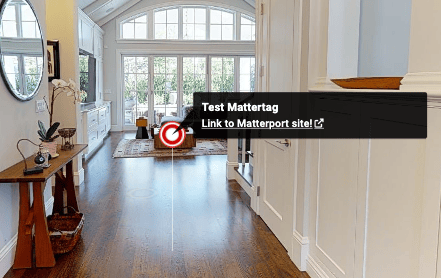
The following code snippets produces the image below it.
sdk.Mattertag.editBillboard(mattertagSid, {
  description:"[Link to Matterport site!](https://www.matterport.com)",
});
Setting an image media source
We use embedly to present image media. We recommend that you verify your image url with the embedly explore display tool before setting it as a media source.
- Select your image url. For example:
https://static.matterport.com/mp_cms/media/filer_public/71/ca/71cabc75-99a5-41a4-917c-f45203f9254e/pro-21f8ddbae.png
- Verify your image is displayed correctly on the embedly explore display tool

- Call Mattertag.editBillboard with the media source to update the billboard
sdk.Mattertag.editBillboard(mattertagSid, {
  media: {
  type: sdk.Mattertag.MediaType.PHOTO,
  src: 'https://static.matterport.com/mp_cms/media/filer_public/71/ca/71cabc75-99a5-41a4-917c-f45203f9254e/pro-21f8ddbae.png',
});
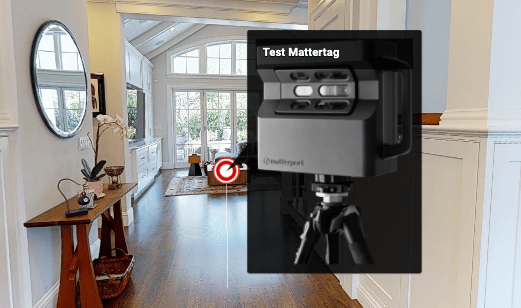
Setting a video media source
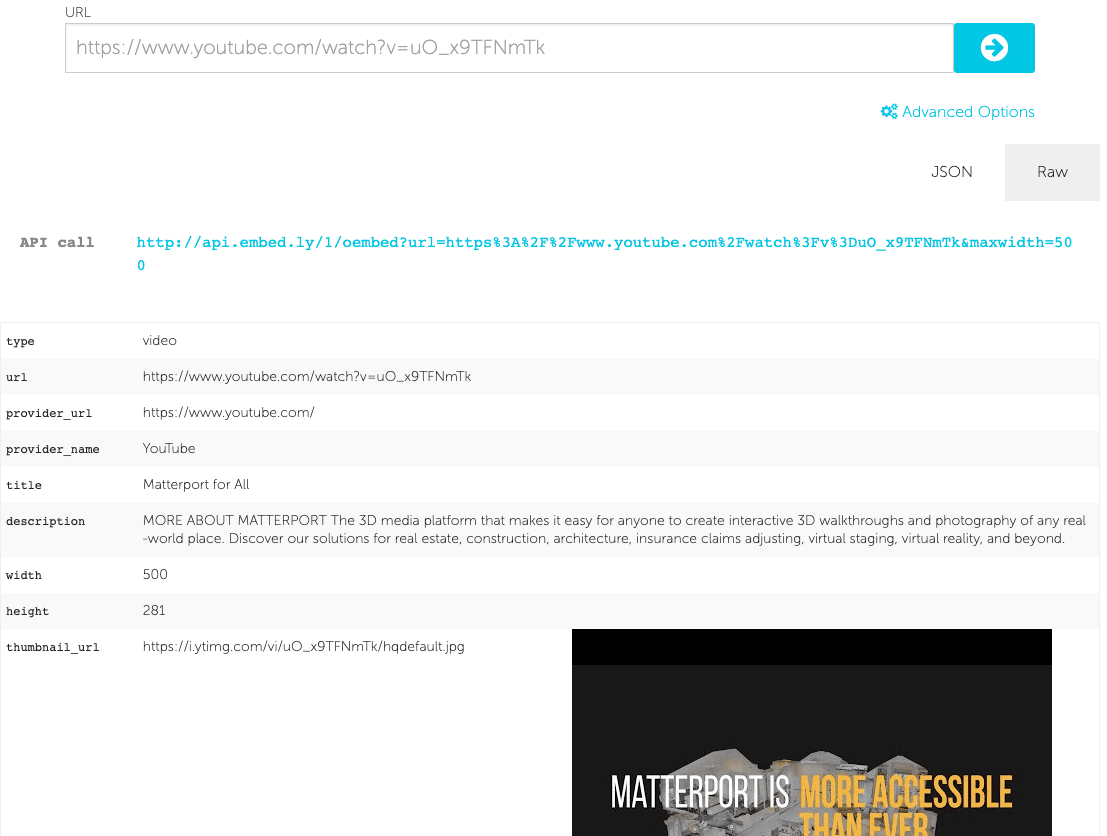
We use embedly to present video media. We recommend that you verify your video url with the embedly explore embed tool before setting it as a media source.
- Select your video url. For example:
https://www.youtube.com/watch?v=uO_x9TFNmTk
- Verify your video is displayed correctly on the embedly explore embed tool
- Call Mattertag.editBillboard with the media source to update the billboard
sdk.Mattertag.editBillboard(mattertagSid, {
  media: {
  type: sdk.Mattertag.MediaType.VIDEO,
  src: 'https://www.youtube.com/watch?v=uO_x9TFNmTk',
});